How to Migrate WordPress to Webflow Without Losing SEO
The exact technical SEO steps that prevent ranking drops during a WordPress to Webflow migration — redirects, canonical tags, and GSC monitoring.
Shaik Saif
Founder & Lead Frontend Architect
TL;DR
- Crawl your WordPress site with Screaming Frog before touching anything — document every URL and its current ranking signals.
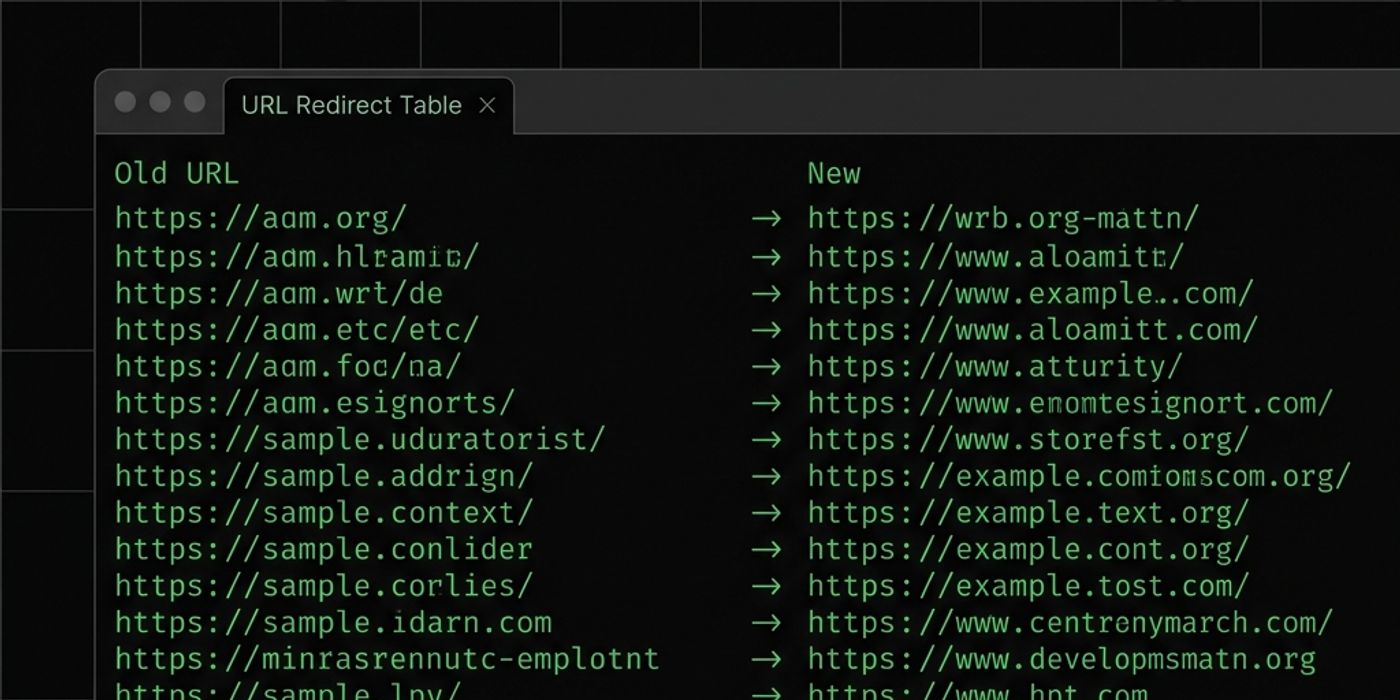
- Build a complete 301 redirect map before DNS cutover — this is non-negotiable.
- Verify meta titles, descriptions, and canonical tags on every key Webflow page before going live.
- Submit your new sitemap to Google Search Console immediately on launch day.
- Monitor GSC Coverage and Performance reports daily for 30 days post-migration.
Frequently Asked Questions
Frequently Asked Questions
What is the most important SEO step when migrating from WordPress to Webflow?
301 redirect mapping. Every URL on your old WordPress site must redirect permanently to its Webflow equivalent before you change your DNS. Skipping this step is the primary cause of ranking loss during migrations.
How long does it take for Google to re-index after a WordPress to Webflow migration?
Google typically re-crawls migrated sites within 2–4 weeks when a new sitemap is submitted via Google Search Console. Rankings usually stabilize within 30–45 days post-migration.
Should I use the same URL structure in Webflow as WordPress?
Ideally yes, for top-ranking pages. Keeping the same URL structure for high-value pages eliminates the need for redirects on those pages entirely, reducing SEO risk. Where URLs must change, 301 redirects cover the transfer.
Does Webflow generate a sitemap automatically?
Yes. Webflow generates a sitemap.xml automatically for all published pages and CMS items. You should submit this to Google Search Console immediately after migrating.
Can I preview my Webflow site before going live to test SEO settings?
Yes. Webflow provides a staging domain (yoursite.webflow.io) where you can QA the full site before connecting your custom domain. You can verify meta tags, headings, and canonicals in staging before DNS cutover.
Written by
Shaik Saif
Founder & Lead Frontend Architect
Shaik Saif is a full-stack product engineer and founder with 8+ years of experience building high-converting SaaS marketing websites and scalable MVPs for founders across the US, UK, and Dubai. He has shipped 40+ products and written extensively on conversion-first development.
Keep Reading