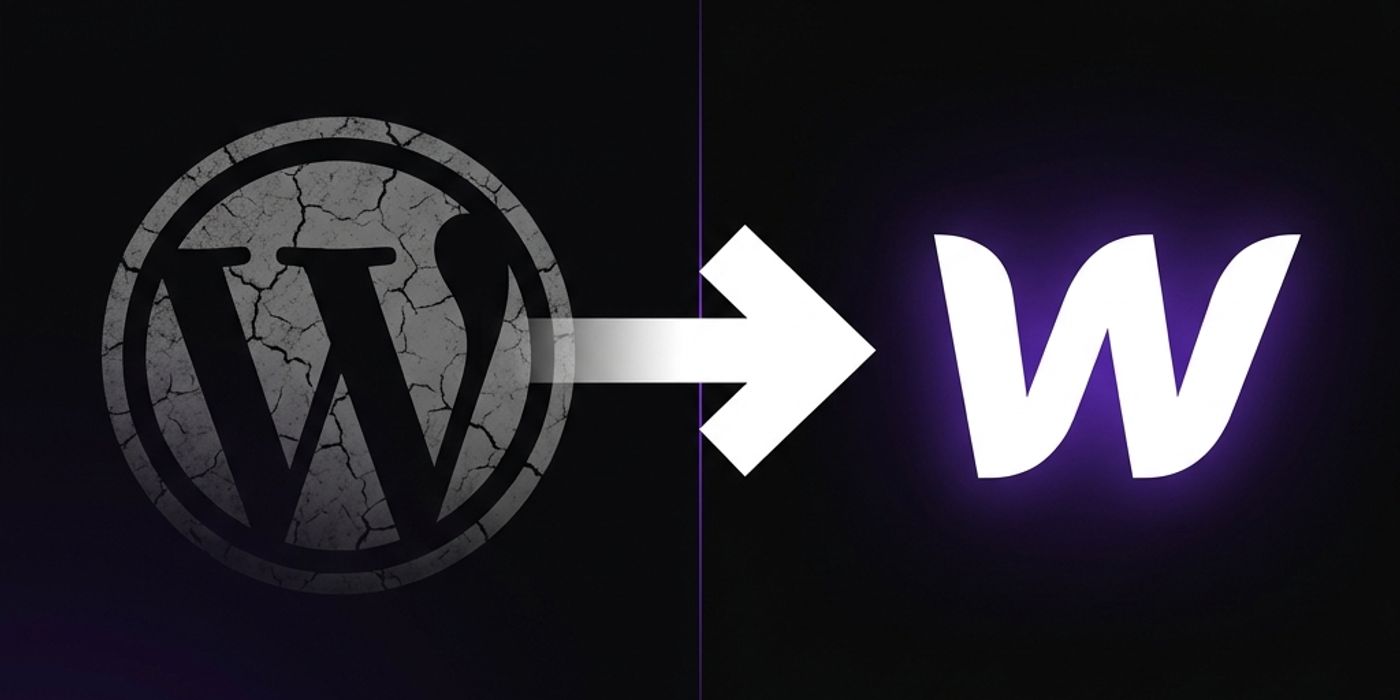
WordPress to Webflow Migration: The Complete 2026 Guide
Everything you need to migrate from WordPress to Webflow without losing a single Google ranking — process, costs, timeline, and pitfalls.
Shaik Saif
Founder & Lead Frontend Architect
TL;DR
- WordPress to Webflow migration requires a 301 redirect map before changing anything — this protects your SEO.
- Blog posts migrate via WordPress XML export, re-imported into Webflow CMS Collections.
- Expect 3–5 weeks for a standard 10–30 page site with CMS.
- Webflow's clean HTML and AWS/Fastly hosting typically produce a 2x Lighthouse score improvement post-migration.
- Never do the DNS cutover before the new site is fully QA'd in staging with all redirects verified.
Frequently Asked Questions
Frequently Asked Questions
Will I lose my Google rankings when migrating from WordPress to Webflow?
Not if you do it correctly. The key is mapping every existing URL to a 301 redirect before launch. Done properly, rankings typically stay flat or improve due to Webflow's superior performance scores.
How long does a WordPress to Webflow migration take?
For a typical 10–30 page marketing site with a blog, expect 3–5 weeks. Sites with large CMS archives (500+ posts) or deep custom functionality can take 6–8 weeks.
Can I keep my WordPress blog posts when switching to Webflow?
Yes. WordPress allows you to export all posts as XML. These are then re-mapped into Webflow CMS Collections. Images and metadata can be preserved through a structured import process.
Is Webflow hosting more expensive than WordPress?
Webflow hosting is a predictable flat monthly or annual fee. WordPress 'free' hosting quickly becomes expensive when you add premium plugins, security tools, and a managed host — often costing more than Webflow in total.
Do I need a developer to migrate from WordPress to Webflow?
For a simple 5-page site, a non-technical user can rebuild manually in Webflow. For sites with complex CMS structures, custom layouts, SEO equity, or integrations, a professional Webflow developer is strongly recommended to protect your rankings.
Written by
Shaik Saif
Founder & Lead Frontend Architect
Shaik Saif is a full-stack product engineer and founder with 8+ years of experience building high-converting SaaS marketing websites and scalable MVPs for founders across the US, UK, and Dubai. He has shipped 40+ products and written extensively on conversion-first development.
Keep Reading
Related Articles
The B2B Website CRO Playbook: Turn 2026 Traffic Into Pipeline
You do not need more traffic — you need vastly better conversion. This is the exact 2026 CRO playbook we run for B2B client websites to double qualified leads without increasing ad spend.
Webflow CMS vs WordPress: A Practical Comparison for Agencies
Agencies choosing between Webflow CMS and WordPress for client sites face different trade-offs than individual businesses. Here's the agency-specific breakdown.

The Future of Search: Dominate Organic Rankings with Intent-First Architecture
The search world is moving from keywords to intent. Discover why intent-first architecture is the only way to dominate organic rankings.